Every repair we do, with the price.
Labor is a flat price, so a slow job costs you the same as a quick one. Parts are extra and you see the part's price before we order it. Sample prices for this concept site.
The full list
Diagnosis is free on everything. If we cannot fix it, you pay nothing.
- diagnosis
- free
- virus + malware cleanup
- $99
- tune-up (dust, updates, startup)
- $69
- SSD upgrade (data moved)
- $89 + drive
- memory upgrade
- $29 + memory
- laptop screen replace
- $79 + screen
- laptop battery replace
- $49 + battery
- keyboard or trackpad replace
- $89 + part
- charging port repair
- $119
- power supply or fan replace
- $59 + part
- Windows reinstall (files kept)
- $119
- new computer setup
- $79
- data recovery
- from $149
- house call, first hour
- $75
How long you will be without it
| Repair | If the part is here | If we order the part |
|---|---|---|
| Cleanup or tune-up | Same day | No part needed |
| SSD or memory upgrade | Same day | 2 days |
| Laptop screen | Next day | 2 to 3 days |
| Battery, keyboard or fan | Next day | 3 to 5 days |
| Charging port | 2 days | 3 to 5 days |
| Data recovery | 1 to 3 days | Up to 2 weeks for a dead drive |
Need it sooner? Ask for a loaner laptop. We keep four, and they are free while yours is on the bench.
Laptops
Four things bring in most of the laptops we see.
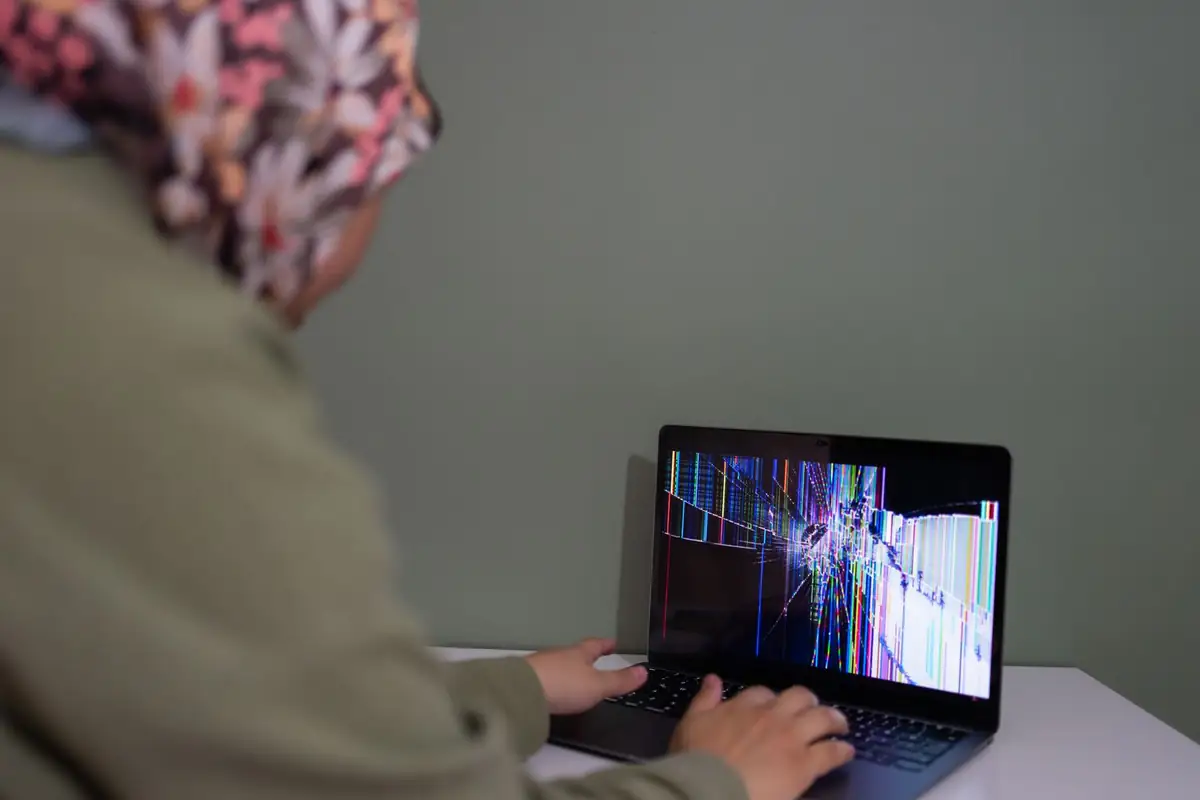
- A cracked or striped screen. The panel is a part that swaps out. The rest of the laptop is usually fine.
- It will not charge. Often the port, which takes a beating from the cord. Sometimes just the charger, which we test free.
- It is slow. An old spinning drive is the cause nine times in ten. A solid-state drive makes a five-year-old laptop feel new.
- Something was spilled. Turn it off, unplug it and bring it in today. Do not try it to see if it still works.
Desktops
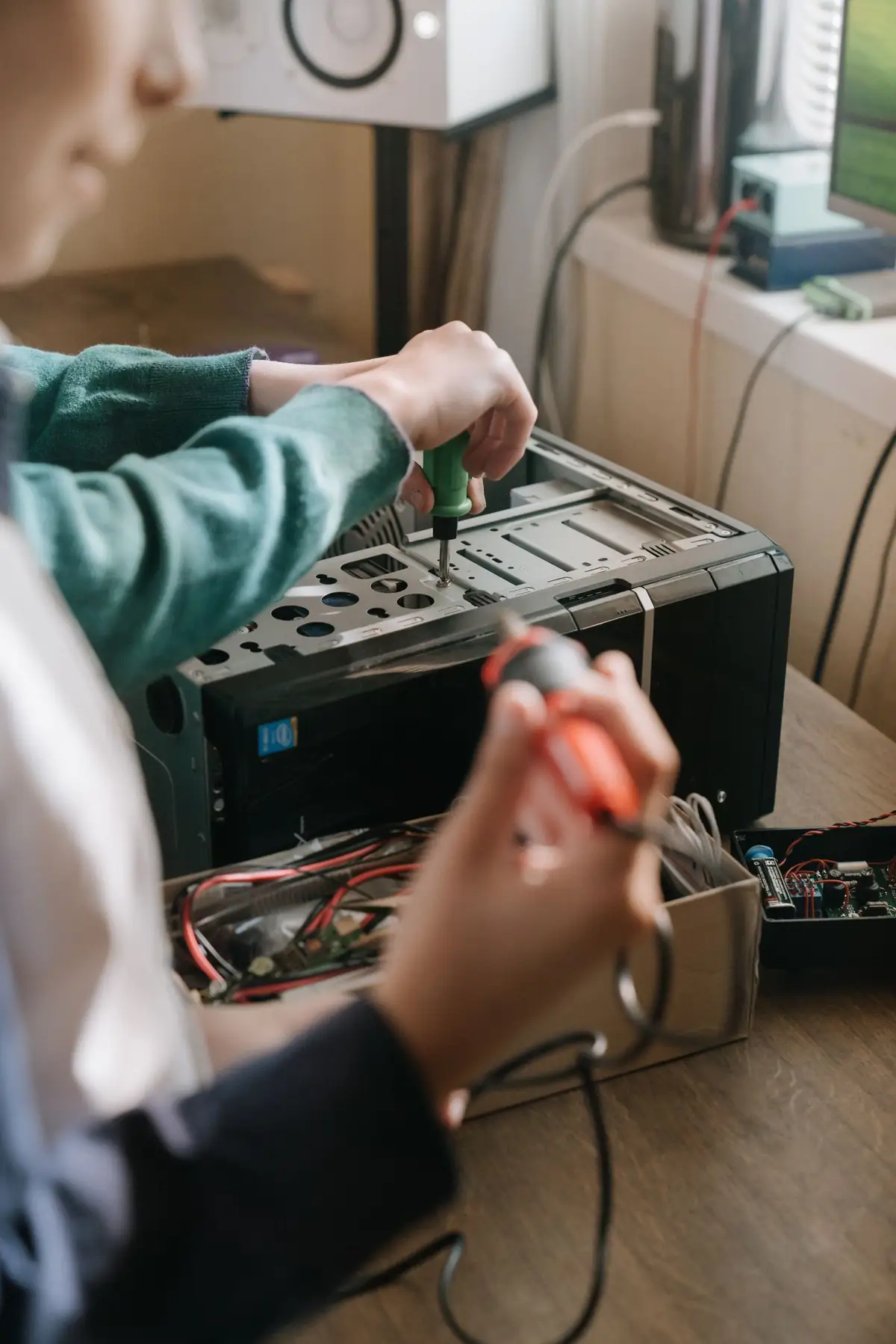
A desktop is easier to fix than a laptop, since every part comes out with a screwdriver.
- No power at all is usually the power supply, a $40 to $90 part.
- Loud fans and sudden shutdowns mean dust and dried-out paste on the processor. A tune-up clears both.
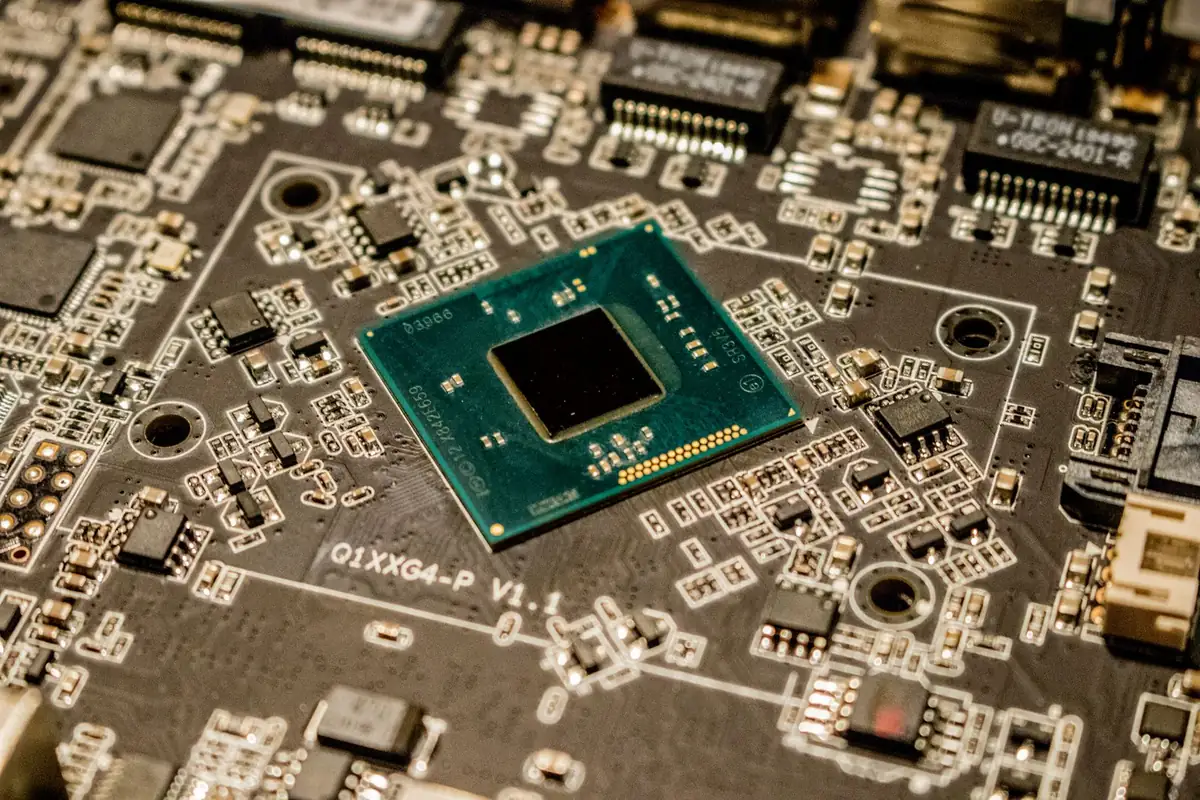
- Beeps and a black screen point to memory or the graphics card. We swap in known good parts to find out which.
- An all-in-one is a laptop standing up. We fix those too, at laptop prices.
Fix it or replace it?
We tell you which at the free diagnosis. This is the rule we use.
Fix it
The repair is under half the price of a similar new machine, and the computer is less than seven years old.
Upgrade it
It works but crawls. A solid-state drive and more memory cost about $180 and buy three more years.
Replace it
The main board has failed, or it cannot run a supported version of Windows. We move your files to the new one for $79.
Recycle it
Leave the old one with us. The drive is wiped or destroyed while you watch, and the rest is recycled free.
Macs, and what we do not fix
- Macs: cleanups, drive and battery swaps, screen replacement on older models and data recovery.
- Newer Mac main boards go back to the maker. We tell you so at the counter and do not charge for looking.
- Printers: setup and connection problems, yes. A printer with a broken part usually costs more to fix than to replace.
- Phones and tablets: no. There is a good phone repair shop two blocks east, and we send people there.
Asked about repairs
Do I need an appointment?
No. Walk in any time the shop is open. Bring the charger, and write down your password or be ready to type it in.
What if the price changes once you open it?
Then we stop and call you. Nothing is done past the price you approved.
Is the work guaranteed?
For 90 days, parts and labor. If the same problem comes back, we fix it again or refund the repair.
Do you sell used computers?
A few, when a customer trades one in. Each is wiped, tested and sold with the same 90 day warranty.
Bring it in for a free look.
Most problems are diagnosed while you wait, or by the end of the day. You hear the price before anything is done.